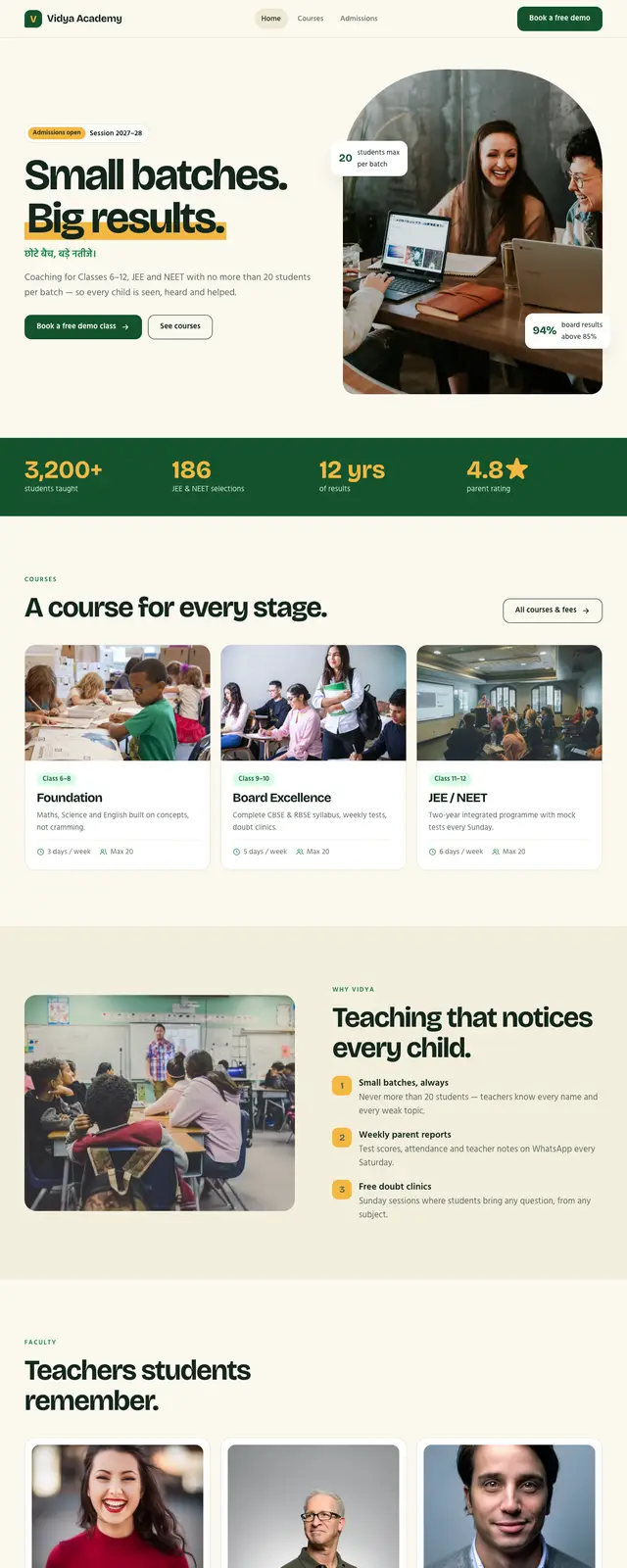
What is the Vidya template?
Vidya is a free, multi-page school / coaching institute website template from Fylo.Host. It is plain HTML and CSS, built to be edited in the Fylo.Host Pages editor, and comes with an AI prompt that rewrites it for your business.
- Best for
- Coaching institutes, tuition centres, schools, academies and training institutes
- Pages
- Home, Courses & fees, Admissions
- Form
- Free demo class form (works on Pro and Business)
- Schema
- EducationalOrganization, page titles and meta descriptions
- Fonts
- Bricolage Grotesque + Hind (Hindi-ready) from Google Fonts
- Code
- HTML + CSS, no frameworks, under 40 KB, mobile-first
Inside the template
3 pages, ready for your content
Home
hero with Hindi tagline, results bar, courses, why us, faculty, toppers, parent review
Courses & fees
course cards and a full fee table
Admissions
demo class form, admission steps and FAQ
Make it yours
From Vidya to your own website in three steps
01 · PICK
Choose a design
Open the live demo and click through every page before you decide.
02 · MAKE IT YOURS
Edit, or let AI do it
Change words and photos in the Pages editor, or copy the AI prompt into ChatGPT, Claude or Gemini.
03 · PUBLISH
Go live on your domain
Fast hosting, free SSL, SEO + GEO files and a contact form, from one dashboard.
AI prompt
Personalise Vidya with ChatGPT, Claude or Gemini
Copy this prompt, attach the template ZIP, and answer the questions. The AI keeps the layout so the result still works in the Pages editor.
prompt.txt
I want to turn the free "Vidya" school / coaching institute website template from Fylo.Host into my own website.
Live demo: https://vidya-academy.fylo.dev/
Template files (zip): https://fylo.host/tplzip/vidya.zip (I have attached it. If you can browse, open the demo too.)

Step 1. Ask me for these details in one short list, unless I have already given them:
- Institute name
- Courses, classes and fees
- Recent results or toppers
- Faculty (names and subjects)
- Address and phone
- Brand colour and tone (optional)

Step 2. Rewrite the template with my details. Rules:
1. Keep the same pages, layout, CSS class names and file names, so it still works in the Fylo.Host Pages editor.
2. Change only text, prices, contact details, image alt text, and the accent colour in styles.css if I give one.
3. Keep the existing image URLs unless I give you new photos.
4. Update every page title, meta description and the JSON-LD schema with my real details.
5. Do not invent reviews, awards or numbers. Write [ADD REAL DETAIL] wherever you need real data.
6. Return every file in full: index.html, courses.html, admissions.html, styles.css, main.js.

Step 3. Publish it: if you can use the Fylo.Host MCP server or API, publish the files with publish_site. Otherwise tell me to zip the files and upload them at https://fylo.host
Using an AI agent with the Fylo.Host MCP server? It can publish the finished site for you.
More templates
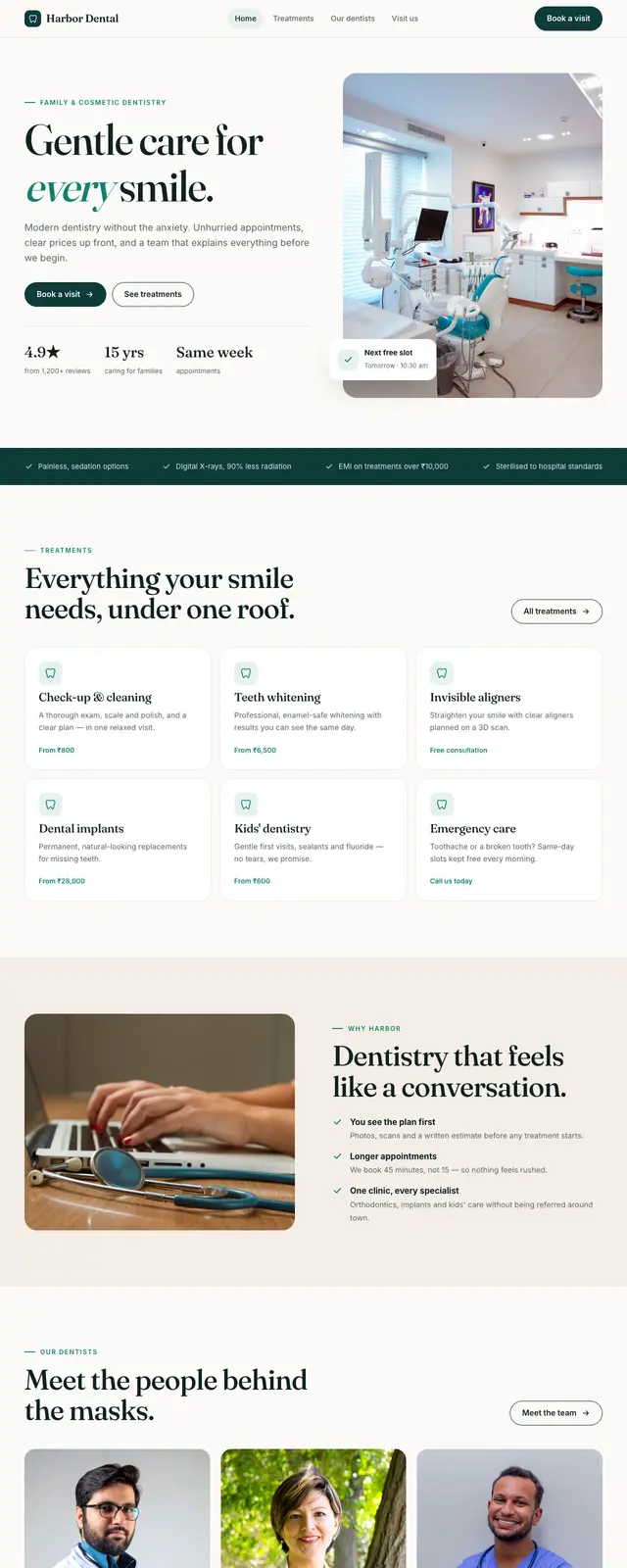
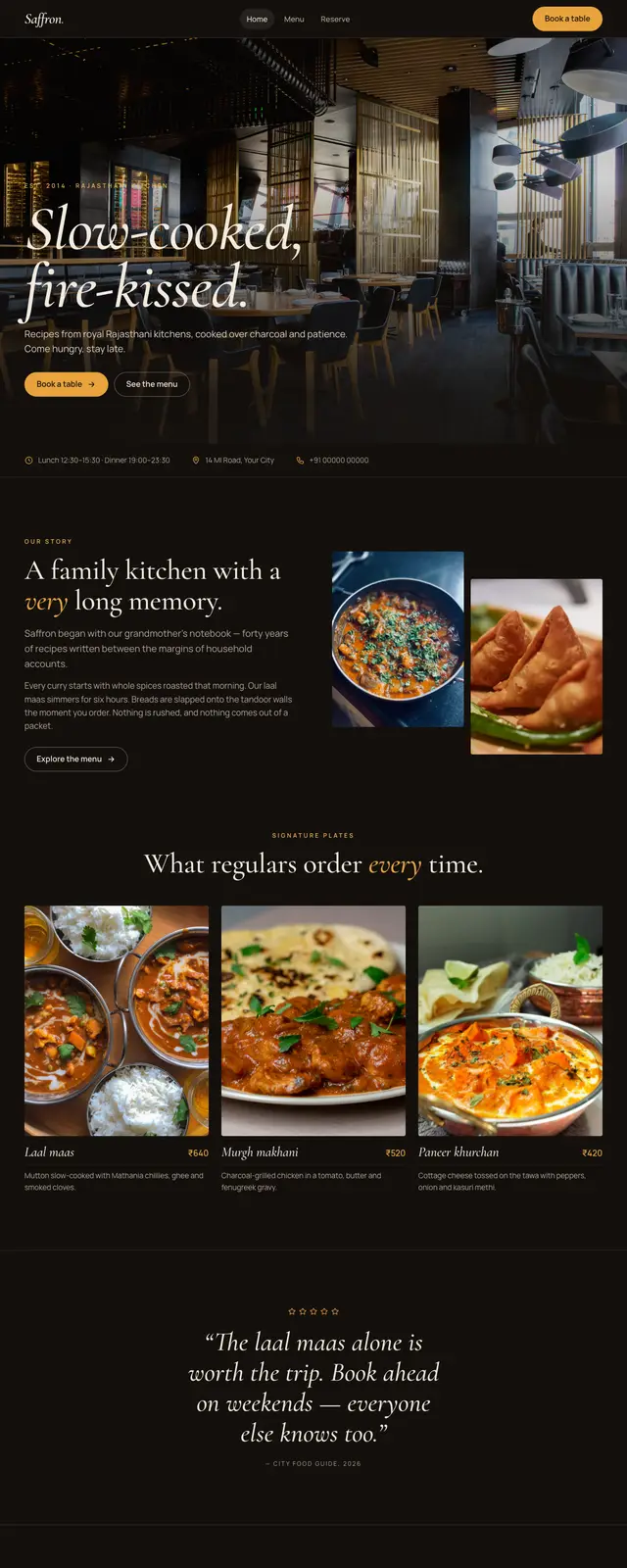
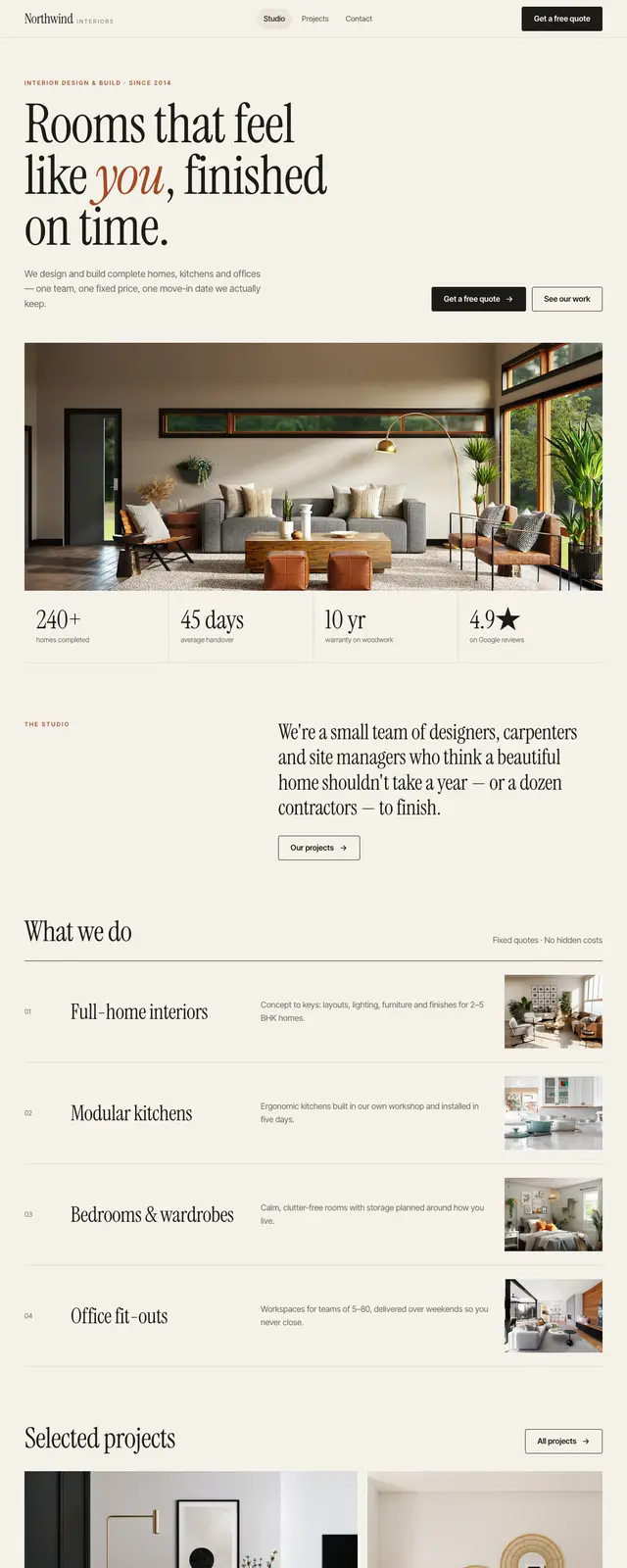
Other designs you might like
FAQ
Questions about the Vidya template
Yes. The template is free to use and change. To keep a site online with Fylo.Host you need a plan: every account starts with a 7-day free trial with no card, then plans start at $4.66/month billed yearly. You can also download the HTML and host it anywhere.
Yes. After you click Use this template, open your site in Pages, click any text or photo and change it, then press Publish. You can also add new pages that keep the same header and footer.
Yes. Press Copy AI prompt, paste it into ChatGPT, Claude or Gemini with the template ZIP, and answer a few questions about your business. The prompt tells the AI to keep the layout and class names so the result still works in the Pages editor, and never to invent reviews or numbers. If your AI agent is connected to the Fylo.Host MCP server, it can publish the site for you.
Yes, on the Pro and Business plans: connect the form in Dashboard → Forms and new submissions arrive in your Fylo dashboard. On Starter or before you connect it, the form shows a thank-you message and sends nothing.
Yes. Every plan includes custom domains with free SSL. Starter includes 2 websites and 2 domains, Pro 5 and Business 10.
The demo photos come from Unsplash and load from Unsplash under the Unsplash licence. Replace them with your own photos for the best result.
Yes. It is plain HTML and CSS with a few lines of JavaScript, no frameworks, under 40 KB of code, and the layout adapts to phones, tablets and desktops. On Fylo.Host it is served from Cloudflare’s edge with automatic speed optimisation on paid plans.